
Standard operating procedures (SOPs) for inventory control: document it once
Standard operating procedures (SOPs) for inventory control: document it once
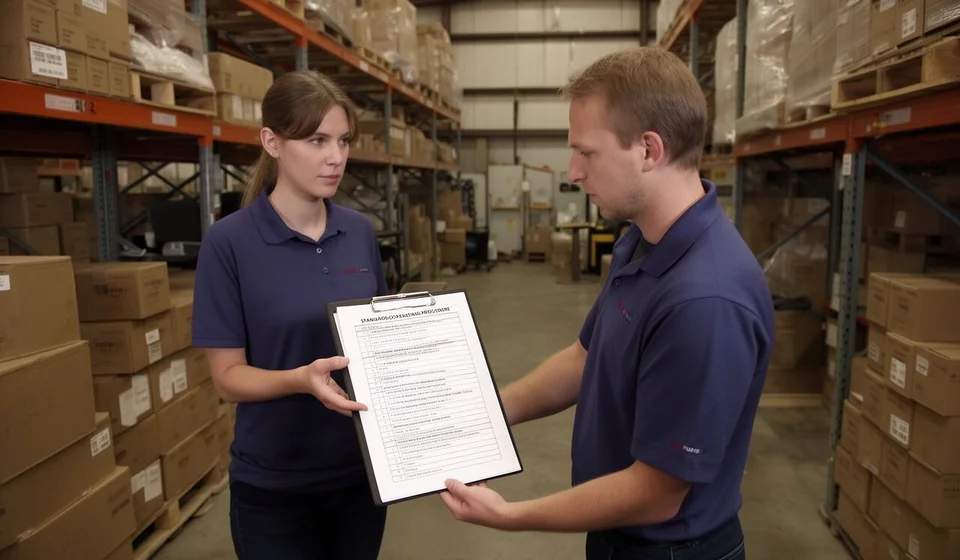
Imagine that a new employee shows up at your warehouse tomorrow and you ask them to receive the goods the carrier just dropped off. Ask three people on your team how it is done and you will probably get three different answers: one counts boxes, another checks the invoice against the purchase order, and a third puts everything away first and "reconciles it later". All three can work, but each produces a different result. When the outcome depends on who does the task, your inventory starts to drift.
Standard operating procedures, or SOPs, exist to remove that improvisation. An SOP is not a giant manual nobody reads; it is a written description of how one process is done, written once, so that any member of the team runs it exactly the way you do. This article shows which processes to document, in what format, and how to write them in a weekend without burning out.
Why inventory goes off (and it is not the software's fault)
When stock does not match the records, the software is usually the first suspect. In most cases the tool is not the problem: people receive, record and ship in different ways. One receipt is posted the same day, another three days later; one shipment is recorded against the invoice and another against a handwritten note nobody can read. The system records whatever it is told; if everyone tells it something different, the balance drifts away from reality.
- Receiving without verification: whatever the invoice says is taken as received, without counting or checking the condition of the goods.
- Late entries: movements are posted days later, when nobody remembers the details.
- Shipments without paperwork: goods leave on trust and the document arrives later, or never.
- The memory of the person who left: when the only person who knew how a process worked quits, the procedure leaves with them.
None of these cases is fixed by buying a better system. They are fixed by writing down how each task is done.
What an SOP is (and what it is not)
A standard operating procedure is a short, written, verifiable instruction that says who does what, in what order, with which document, and what to do when something goes wrong. It is not a general policy like "handle inventory responsibly"; that teaches nothing. It is a concrete sequence: count the boxes, compare against the delivery note, sign the copy and post the receipt the same day.
A good SOP does not explain why inventory matters; it explains how to receive a box of goods in practice. It is written for someone who has never done the task and must be able to follow it without asking.
Which processes to document first
You do not need to document the whole operation at once. The processes that affect your stock balance the most are the ones that bring goods in, move them or take them out. This table summarizes the processes worth documenting in any business with a warehouse, together with what each SOP should cover:
| Process | Steps it documents | Responsible | Frequency | Documents and forms |
|---|---|---|---|---|
| Receiving goods | Check against the purchase order, count, inspect condition, sign | Warehouse assistant or the person receiving | Every receipt | Stamped delivery note and invoice, discrepancy form |
| Posting receipts to inventory | Record quantities and costs, validate against receiving | System operator | Same day as receiving | Printed or electronic inbound movement |
| Sales and invoicing | Ship against a document, post the outbound movement, check stock | Salesperson and picker | Every sale | Invoice, picking order |
| Customer returns | Inspect condition, authorize, post inbound movement and credit note | Authorized manager | When it happens | Credit note, return form |
| Returns to suppliers | Set goods aside, document the reason, arrange pickup, post the outbound movement | Warehouse assistant with purchasing approval | When it happens | Return form, outbound delivery note |
| Transfers between warehouses or branches | Prepare the goods, issue the document, count at origin and destination, post | Warehouse supervisor | Per schedule | Internal transfer document |
| Full physical count | Prepare, count in pairs, reconcile against the system, adjust with approval | Counting team and supervision | Once or twice a year | Counting sheet, adjustments record |
| Cycle counting | Rotate items by value or by zone, count one group each period | Inventory assistant | Weekly or monthly | Schedule and cycle count sheet |
| Adjustments and shrinkage | Document the cause, approve the adjustment, post the movement | Supervisor or administrator | When detected | Adjustment form with cause and approval |
| Cash reconciliation and data backup | Close the cash register, reconcile sales, back up system data | Cashier and administrator | Daily and weekly | Cash reconciliation, system backup |
Go through the list and mark the processes where you see the biggest gap between what the system says and what is actually on the shelf. Those are the first three SOPs to write.
The format of a simple SOP
For SOPs to actually be used, they must share one short format. You do not need a consultant's template; as long as every sheet has the same structure, anyone can find what they need. An inventory SOP should answer seven questions:
- Objective: what this procedure achieves, for example that every item received is counted, checked and posted the same day.
- Scope: which products, warehouses or shifts it applies to, and which it does not.
- People responsible: who executes and who approves or supervises.
- Numbered steps: the exact sequence, preferably between five and eight steps.
- Documents and forms: what paper or record is produced and where it is filed.
- Exceptions: what to do when something does not fit the procedure, such as damaged goods, shortages or a missing invoice.
- Frequency and review: how often the process runs and how often the document is reviewed.
A minimal example of the steps of a receiving SOP:
- Take the goods and ask the carrier for the invoice or delivery note.
- Compare against the purchase order: product, quantity and price.
- Physically count the units of every item.
- Check the condition of packages and products, and set damaged goods aside.
- Sign and stamp the carrier's copy only if everything matches.
- Record any discrepancies on the appropriate form.
- Post the receipt into inventory the same day.
- File the paperwork in the receiving folder.
Eight steps, one page. If your real process has more steps, group the obvious ones. The goal is that a new person can follow them without guessing.
How to write it without burning out
The most common mistake is sitting down to write a perfect manual and giving up on page three. To avoid that, follow these rules:
- Start with three processes, not ten: the ones that throw your inventory off the most. Receiving, shipments and adjustments are usually the champions.
- Write the steps the way you actually do them, not the way they should be done. If your real process has shortcuts, document them; an SOP nobody follows is worse than none.
- Write one page per process. If it does not fit on a page, the process probably needs simplifying.
- Use plain language, in the imperative: count, record, sign. No decorative sentences.
- Add screenshots or photos when they help: one image of the exact screen is worth three paragraphs. If you use inventory software such as Kardex Tauro, name the exact screen and button where each movement is posted.
- Test it with a new employee: ask them to run the process following only the paper and fix everything they ask about. That test turns the document into a real procedure.
- Review every SOP every six months, or the same day the process changes.
The test with a new employee is the step most people skip, and the one that adds the most value. If someone who has never done the task can complete it using only your sheet, the procedure works; if not, you can see right there what is missing.
Where to keep it (and keep it current)
An SOP that lives only in a shared folder is a document; one that lives where the work happens is a procedure. Keep two copies: a printed one at the point of work, posted near the receiving area or by the computer where movements are recorded, and a single digital master copy. The digital copy needs a version date, and only one person, the process owner, should update it.
When something changes, update the sheet the same day, print the new version and retire the old one. A stack of outdated SOPs creates exactly the confusion the document was meant to remove.
What you gain from documented procedures
Once SOPs are in use, the difference shows up in daily operations:
- New employees become productive in days, not months: instead of chasing the person who knows, they read and execute.
- Fewer inventory errors: receiving is always counted, outbound movements are always posted, adjustments are always approved.
- You can tell who is drifting from the procedure: if everyone must do the same thing and the balance still goes off, it is easy to spot where the chain broke and correct one person instead of the whole system.
- You can delegate vacations without fear: any teammate can cover for the person in charge because the how is written down, not stored in someone's head.
An SOP turns one person's knowledge into the business's knowledge. Documenting once is not paperwork for its own sake; it is the cheapest way to stabilize your inventory control. When records are posted the same way every time, any stock ledger tool, including Kardex Tauro, reflects what is actually in your warehouse. Write the first one today: pick the process that hurts the most, document it as you really do it, and test it this week with your newest teammate.
