
Why choose Kardex Tauro?

The most complete inventory software for SMEs and large companies

Production Orders

BOM - Production Orders

Optimize your production capacity from the first step.
Define your Bills of Materials (BOM) with precision and manage production orders that automate the workflow:
from the automatic output of raw materials from inventory to the receipt of the finished product.
Maintain absolute control of your costs and stock in real-time.

Kits and Combos

KIT-COMBO Products

Don't limit yourself to selling units, sell solutions. With our system, group existing products to create new offers: from a gift basket to the complex structure of a construction project.

A Combo is a product that contains other products, supplies, or services, as simple as putting something inside a box.

More than an Inventory System

Serial Traceability

Advanced Serial Control

"Never lose sight of a product.
Register up to three serial numbers per item, whether unique or repeated, and ensure impeccable traceability from reception to sale.
Ideal for strict warranty control, batch tracking, and protection against human errors in your inventory.

POS Printing

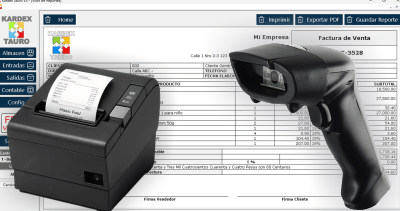
Fast and professional billing in ticket or standard format.

Automatic Backups

Your data is always protected. A backup of your inventory data is created daily.

Import from Excel

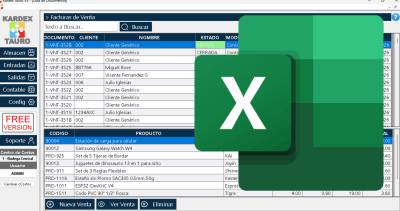
Easily import your data from Excel files to start using the software quickly and efficiently.

Multiple Warehouses

Manage your inventory across multiple Cost Centers with our comprehensive solution.

Technical Support

Access our specialized technical support team 24 hours a day.

Multiple Users

Allow multiple users to access the system simultaneously with their own credentials.

Plans and Pricing

Choose the perfect plan for your business

FREE Version

$0/year x PC

Perfect to start your business

  • Warehouse Module
  • Input Module
  • Output Module
  • Accounting Module
  • Invoice and Report Printing
  • LAN Network Connection
  • Remote Server Connection

Enterprise

$180/year x PC

For companies with many warehouses in several cities

  • Warehouse Module
  • Input Module
  • Output Module
  • Accounting Module
  • Invoice and Report Printing
  • LAN Network Connection
  • Remote Server Connection

Frequently Asked Questions

How many users can I create with the Kardex Tauro Inventory Software?

You can create as many users as your company needs, there is no limit here.
An Administrator user, a Purchasing Manager, some users to manage the cash registers, obviously a Warehouse user, surely a couple of users as Secretaries, etc., etc. When you create a user, you define what permissions you grant.
The Kardex Tauro Inventory program does NOT have predefined user roles; the software has a list of permissions and you, as administrator, decide who you grant them to.

How many Cost Centers can I create in the Kardex Tauro Inventory Program?

As many as your company requires, there is no limit here.
Usually, one for each warehouse or business, one more for each storage area, if you have consumption centers, such as construction sites, workshops, you can create cost centers for those dependencies.
Each cost center is an independent unit, it manages its own billing sequence, its own stock in inventory.
To move goods between Cost Centers, use Internal Transfers.
Any cost center can query product stock in other dependencies.

Are there additional costs for creating users or cost centers?

The Kardex Tauro Inventory Software, in its registered version, ONLY requires an annual payment.
There are no extra costs for Users or extra Cost Centers.
There are no hidden fees or additional payments here.

How many items can I create in the Kardex Tauro Inventory Program?

Hundreds, Thousands. In real environments, the Kardex Tauro inventory program has handled more than 30,000 different items, but theoretically, it can handle many more.

How can I consume goods in the Kardex Tauro Inventory Program?

If your company only sells Services and all the goods you purchase are not for sale, but for internal consumption as part of repairs, the Kardex Tauro Inventory program is perfect for that.
You can consume goods as part of a Production Order to create your own products.
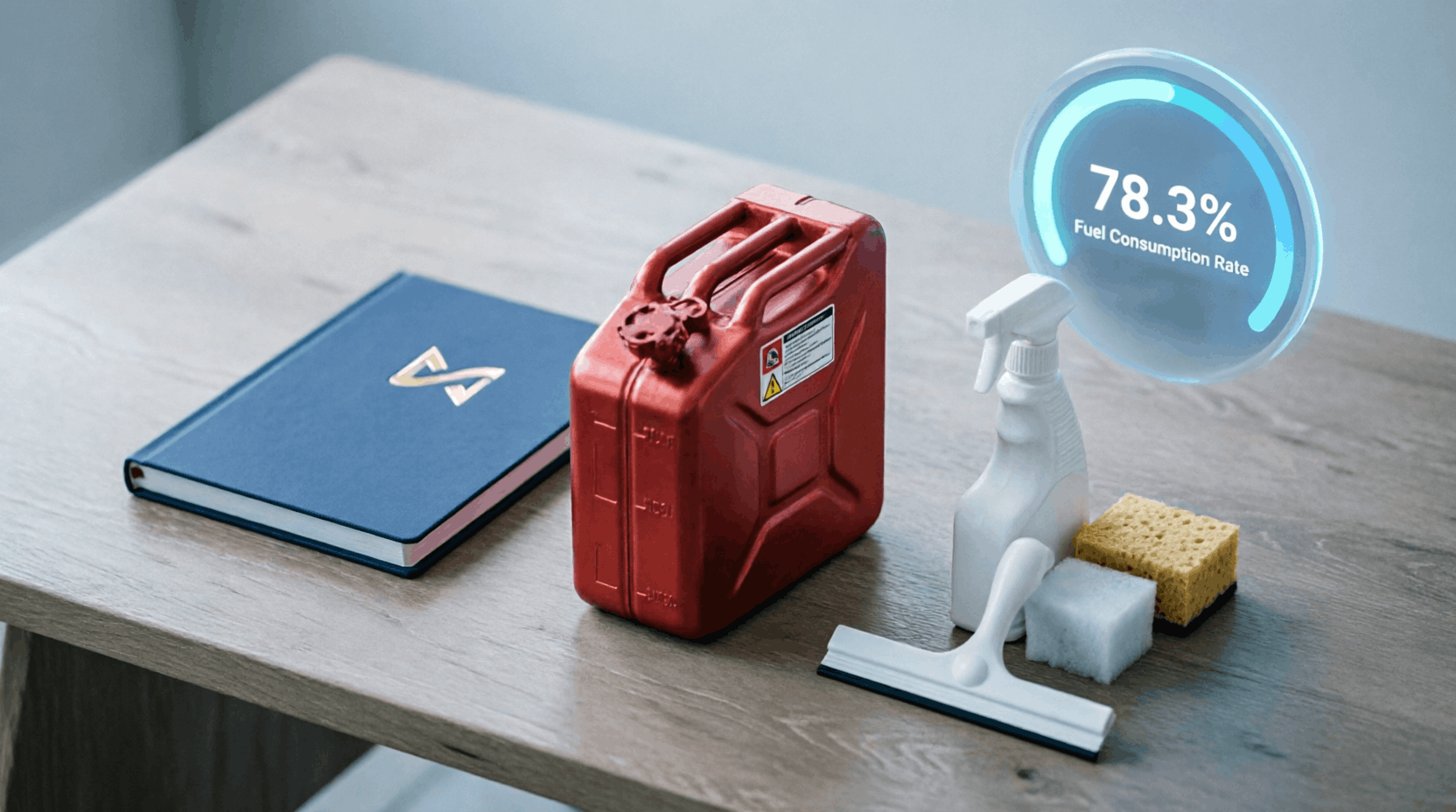
You can consume products such as cleaning supplies, office materials, etc.
If your company is a restaurant, you can consume products from Inventory and sell the processed food independently.

Can I use Services as products in the Inventory Software?

Products of the SERVICE type are never purchased (unless you do not produce them), and their stock in inventory is always zero. To create a product as a Service Type, be sure to check the corresponding box in the product form when creating it.

Can I connect the inventory program over the Internet and use it in different cities?

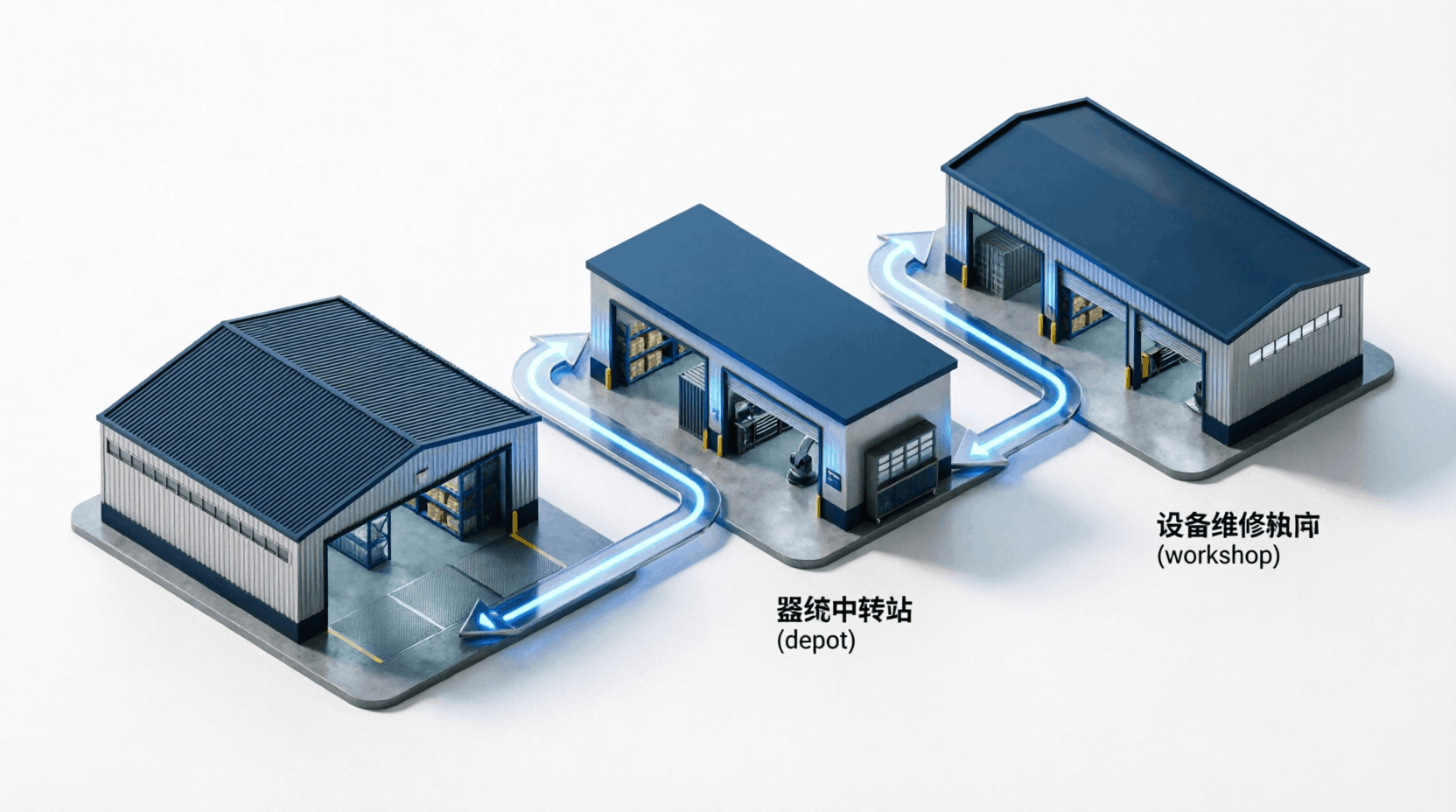
Of course! Kardex Tauro is precisely designed for that. Thanks to our architecture, you can connect your inventory from anywhere in the world. You will be able to see in real time what is happening in your warehouse, your depot, or your workshop, no matter which city they are in.

Can I create compound products or product bundles?

Of course.
In the Kardex Tauro Inventory program, this type of product is called KIT-COMBO, and it is designed to group products and consume or sell them as if they were a single product.
Example: A Christmas basket that is made up of many elements, including the basket itself, but when sold, it is invoiced as a single product.
A kilo of cement can also be a KIT that is composed of 0.02 Bags of cement. When I sell a kilo, I discount those quantities from the warehouse.

Ready to Transform Your Business?

Join over 10,000 companies that already trust Kardex Tauro

Microsoft Download from Microsoft Store
Chatea por WhatsApp