
Top 10 inventory programs with barcode support
Top 10 inventory programs with barcode support
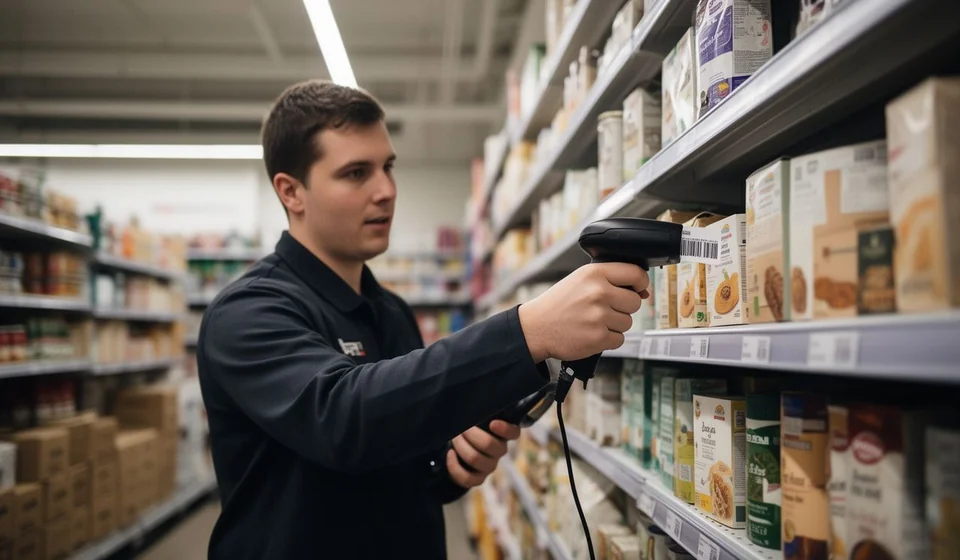
Scanning a product's barcode instead of typing its name or code by hand looks like a small detail, but it changes the daily operation of a business. Typing errors drop, inventory counts get done faster, and the point of sale stops being a bottleneck when there is a line of customers. The scanner, though, is only half the story: for the reading to be useful, it has to reach a program that interprets it, subtracts or adds stock, and keeps the stock ledger up to date without anyone typing afterward. In this article we have gathered ten programs a retail business can use to work with barcodes, arranged in a simple comparison built from public information.
A disclosure up front, for honesty: this list includes Kardex Tauro, the software we develop. We include it because it fits the profile of this comparison and because we prefer readers to weigh it against the alternatives under the same conditions, with the same data, instead of seeing it mentioned on the side. This is not a list of winners: the programs appear in alphabetical order and the information comes from public sources available as of September 2026. The best program does not exist in the abstract; what exists is the one that fits each business, and that fit is decided with data, not with slogans.
How this list was put together
To build this comparison we reviewed each product's official website, its pricing pages, and the support material published by each provider, with a cutoff date of September 2026. Prices are approximate: providers adjust them often, run promotions, and offer volume discounts that are not reflected in this table. Before deciding, it is worth confirming the current price with each company.
The ten programs appear in alphabetical order by name, not by quality or popularity. There are no scores, no positions, and no phrases like number one. A program that suits a store with a single computer can feel limited for an operation with several registers, and one designed for a large warehouse can be overkill for a neighborhood shop.
One note about the barcode column, so the table is read fairly: we only mark that box as declared when the manufacturer itself publishes that its program is compatible with barcode readers. When it says not declared in public sources, it does not mean the program cannot work with a scanner; it means we found no explicit statement from its manufacturer and prefer not to assume it. Many readers behave like a keyboard that types the code, and some programs capture that input without setup, but between it might work and it is declared by its manufacturer there is a difference this table prefers to point out clearly.
Barcode inventory programs compared
The table summarizes the basic data of each program: how it is deployed, its price model, the type of business it targets, and whether the manufacturer declares support for barcode readers. The criteria are the same for every row, and the cells come from the public sources already mentioned.
| Program | Deployment | Price model (approx. Sep 2026) | Profile | Declared barcode support |
|---|---|---|---|---|
| Kardex Tauro | Windows desktop (local SQLite database, with server mode) | Free plan and yearly payment per device | Stock ledger and inventory software with invoicing for retail SMBs in Latin America | Yes (barcode reader compatibility declared by its manufacturer) |
| Alegra | Cloud | Monthly subscription | Suite for SMBs and accountants in Latin America (accounting, inventory, point of sale, electronic invoicing) | Not declared in public sources |
| Aspel SAE | Desktop | One-time license plus maintenance | Purchase and sale management with stock ledger, SMBs in Mexico | Not declared in public sources |
| Bind ERP | Cloud | Monthly subscription (approx. MXN 949-1,999) | ERP with inventory, purchasing, sales, and invoicing, SMBs in Mexico | Not declared in public sources |
| CONTPAQi Comercial | Desktop and cloud options | Subscription per product | Ecosystem with inventory modules (stock ledger), sales, and invoicing, SMBs in Mexico | Not declared in public sources |
| inFlow Inventory | Desktop and cloud | Monthly subscription in USD | Inventory software for small businesses, in English | Not declared in public sources |
| Nubox | Cloud | Monthly subscription | Electronic invoicing and administration, SMBs in Chile, Peru, Mexico, and Colombia | Not declared in public sources |
| Scrampi | Cloud (point of sale with offline mode) | Monthly subscription (approx. COP 46,000) | Point of sale for shops, pharmacies, and restaurants in Colombia | Not declared in public sources |
| Siigo | Cloud (and desktop version) | Monthly subscription | Accounting, payroll, inventory, and electronic invoicing, SMBs and accountants in Colombia | Not declared in public sources |
| Zoho Inventory | Cloud | Monthly subscription in USD | Inventory with ecommerce integrations, global reach | Not declared in public sources |
Two things stand out when reading the table. First, desktop programs and cloud programs coexist here, and choosing between them depends on the store's internet connection, on how many computers need to work against the same database, and on whether the owner wants to check things from anywhere. Second, price does not tell the whole story: a cheap monthly plan can get expensive if the business needs several users, and a one-time license still comes with maintenance or upgrades. That is why the table separates deployment, price model, and profile: they are three different questions, and each one deserves its own answer.
What to consider when choosing
A program working with barcodes is only the starting point. In practice, what decides whether the scanner saves time are details worth checking before paying for a subscription or a license:
- The type of reader. Wired USB readers plug into the computer and, depending on the program, work right away or need to be configured so the reading ends with an Enter keypress, as if it were one more key. Wireless readers give freedom of movement in the warehouse, but they depend on battery and need a receiver or Bluetooth. It is worth asking each provider which reader they recommend and which model they tested their program with.
- Where the code comes from. A product with an EAN code printed by its manufacturer is registered as it comes. Items with no factory code, such as bulk goods, combined packs, or products prepared on site, need the business to assign them an internal code, print the label, and keep a naming convention so no two codes repeat.
- Label printing. If the business sells items without a factory code, the program must be able to print labels with the right size and content, and the thermal printer has to be configured well enough for the reader to scan the label on the first try.
- That the scan feeds the stock ledger. Scanning must move stock: record an entry, an exit, an adjustment, or a sale. If the scan only opens the product record and the quantity still has to be typed by hand, much of the advantage is lost.
- Point-of-sale pace. In retail, scanning at checkout is fast when the code is clean and the program responds without delays. A reader that misses a wrinkled label or a program that takes time to confirm the sale shows up in the customer line.
- A test with real products. Before deciding, try the program with your own reader, with items that have damaged or difficult codes, and with the people who will operate it. That test says more than any sales sheet.
Kardex Tauro in this list
It is the software we develop, and it appears in the table with the same public data as the rest. According to the information published by its manufacturer, it runs on Windows desktop over a local SQLite database, with an optional server mode; it is offered with a free plan and a yearly payment per device; and it is aimed at stock ledger and inventory with invoicing for retail SMBs in Latin America. Its barcode column reads yes because its manufacturer declares compatibility with barcode readers, and that is the fact this table committed to reflect without embellishment.
The honest recommendation, the same as with any other option on the list, is to try it under the real conditions of the business: with the same reader, the same products, and the same people operating it. If the scanner speeds up the work in that test, the program did its job; if not, there are nine more options in the table to compare. We prefer the decision to come out of that comparison rather than from our word.
Final note: prices, plans, and data in this table are approximate as of September 2026, come from public sources, and may change. Before signing up, confirm the current conditions with each provider.
