
Download an inventory control system: free, in Excel or installed
Download an inventory control system: free, in Excel or installed
There are three ways to get an inventory control system: an Excel template you open right now, a program installed on your computer, or a cloud application you use from the browser. If you need it solved today and without paying, the free edition of Kardex Tauro downloads from the Microsoft Store and runs on Windows with no licence. If you would rather not install anything, the Excel route is the fastest, as long as you accept its limit: it does not tell users apart and leaves no record of who changed each quantity.
This guide compares the three options, walks through the download and installation step by step, explains what the free edition really includes, and shows the point where Excel stops being enough.
The three ways to keep an inventory system, compared
| Option | How it works | Who it fits | Real limit |
|---|---|---|---|
| Excel template | A file you open on your machine; you type every entry and issue yourself | A small business, a single person in charge, few and stable products | No user control and no traceability: anyone can overwrite a cell and nobody will know who did it |
| Installed program | Downloaded and installed on Windows; the data stays on your computer | A warehouse with daily movements, batches, serials or several people involved | Works offline, but depends on that computer being available and backed up |
| Cloud application | Reached from the browser; the data lives on a remote server | Several sites or work from a phone | Depends on the connection and on a monthly subscription that never ends |
The difference that matters is not the price, it is the record. Any system that lets someone edit the history without leaving a trace is a notebook with neater handwriting: good for tidying up, useless when you have to explain a discrepancy.
How to download and install Kardex Tauro on Windows
- Download the installer from the program page on the Microsoft Store. The button reads “Get” and asks for no card, because the free edition costs nothing.
- Let Windows install it. It comes from the store itself, so there are no loose files to hunt down and no installation password to obtain.
- Open the program and create your first warehouse. Before loading products, define the warehouse and its location; if you will run several, create them all at the start so you never have to reassign later.
- Load a handful of products and try one movement. Enter ten items and record one receipt and one issue. If the balance ties out, the rest is repetition.
- Set up your users if more than one person is authorised; that way manual entries are signed.
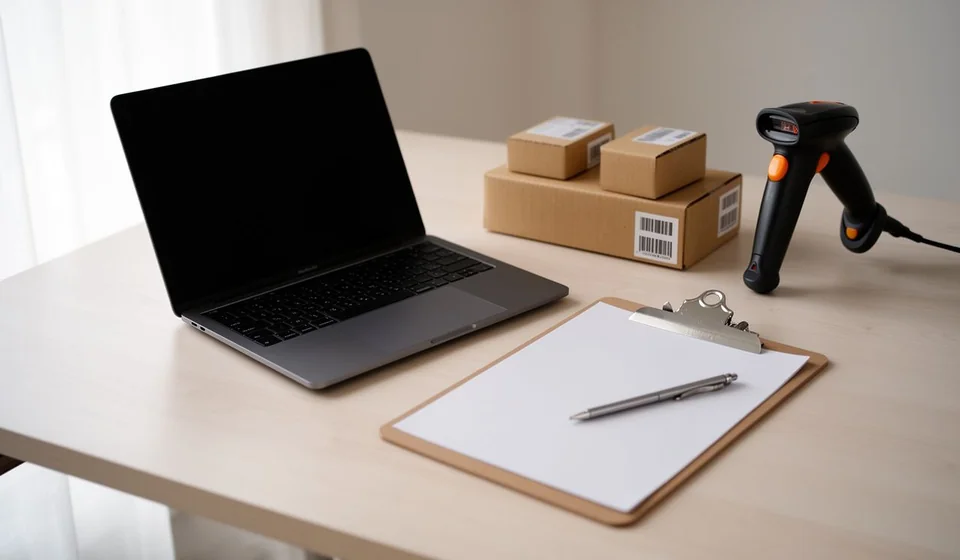
The program is designed to work with a barcode reader, not only with the keyboard. If you plan to use one, test scanning from day two, because it changes receiving speed completely.
What the free edition includes and what it leaves out
The free edition is the one installed from the Store and is meant for individual use: one computer, one local database and full stock ledger functionality for your inventory. It does not include network operation across several computers or bulk export to Excel, which is exactly what billing businesses need.
Before deciding, read the detail of what free inventory software really gives you. A good share of the disappointment that follows downloading free software comes from assuming the free edition does the work of the full one.
If you would rather start in Excel, with nothing installed
Excel remains a legitimate way to start, as long as you know what it does not cover. You already have the material ready: the stock card inventory template in Excel, the printable kardex card if you prefer paper, and the version with explained formulas in kardex in Excel. The practical rule: if one person touches the inventory and it moves fewer than twenty lines a day, Excel is enough. If two or more people touch it, it no longer is.
Mistakes people make when downloading inventory software
- Loading the whole inventory before testing. The most expensive one. Test with ten products, check the balance, and only then migrate everything.
- Choosing by feature list instead of by record. Software without an unalterable history does not solve a discrepancy, it hides it.
- Installing without deciding who is accountable. If everyone gets administrator rights, control is gone in the first week.
- Confusing the free edition with the complete one. Check the limits before you commit the warehouse work to it.
Frequently asked questions
Is there such a thing as genuinely free inventory software?
Yes, and there are two ways to get it at no cost: an Excel template you open right away, or a free program for non-commercial use such as the Microsoft Store edition. Neither is meant for billing, but both will put your inventory in order and let you decide with data.
Can I download an inventory system in Excel?
Yes; in Excel nothing is installed: you open a template and save it under another name. The download is the file, and the work starts when you define the columns for receipts, issues and balance, which is where most home-made attempts fall apart.
Does the program work without internet?
The Windows edition works offline, because it keeps the data on the computer. The cloud version, by contrast, needs a connection for everything: to look up, to record and to report.
What is the best inventory program for a small business?
The one your team actually uses every day and that does not allow the history to be altered. Before comparing feature lists, review the criteria in this guide on how to choose inventory software and in the guide to choosing the right one.
Where to start today
If your case is tidying a warehouse that already moves stock, download the program, load ten products and try one receipt and one issue: within an afternoon you will know whether it fits. If you are still working out what you need, the full picture is in stock control software, in warehouse control software and in the background guide to the stock ledger.
