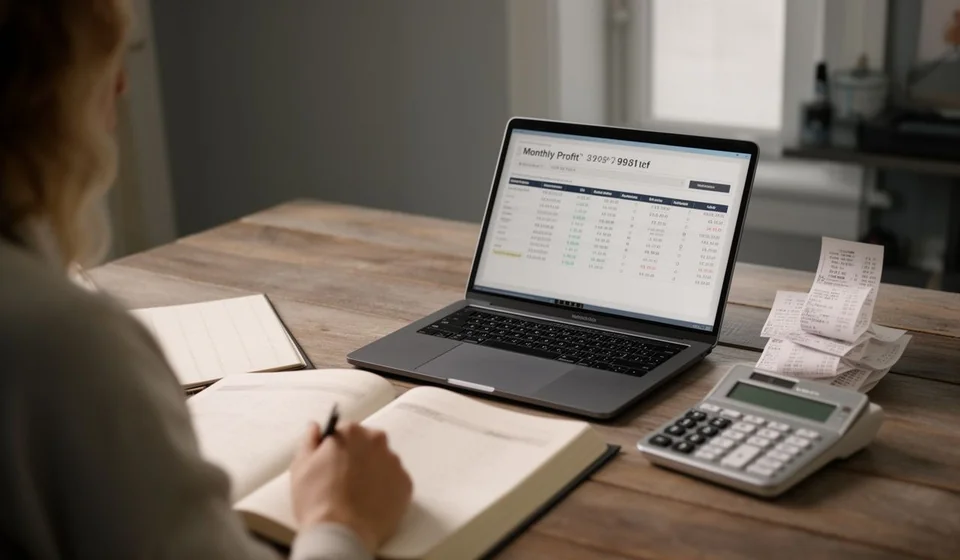
Subsidiary ledger by third party template in Excel
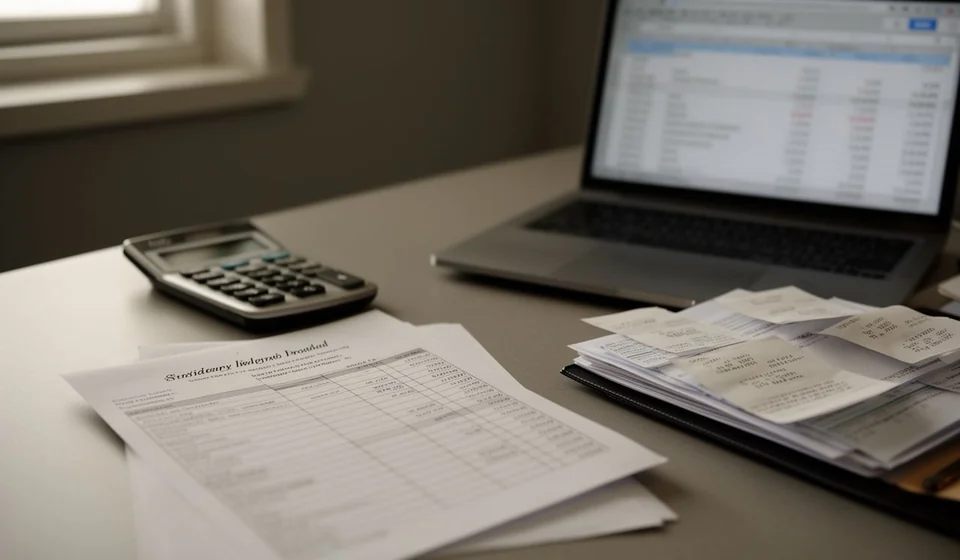
Subsidiary ledger by third party template in Excel
The general ledger tells you how much sits in receivables, but it does not tell you who owes it or who is owed. That answer lives in the subsidiary ledger, and when it is kept in a notebook or on loose sheets it usually ends the same way: two people write the same customer name differently and, when the totals are added, the balance shows up split for no obvious reason. The mismatch is rarely in the accounts; it is in the name of the third party.
This subsidiary ledger by third party template in Excel opens the ledger by name: every movement keeps its third party, its document, its debit and its credit, and an automatic column carries that third party's running balance even when the rows are interleaved. At the end, a balances sheet summarises each third party and a check confirms that those balances cover every movement of the ledger.
The file brings 200 movements, drop-down lists for the third party and the account, an automatic balance per third party, the balances sheet with its status and totals, and the closing check. Download it, open it and start recording the same day, with no formulas to build from scratch.
⬇ Download la plantilla (Excel .xlsx)What the subsidiary ledger by third party is and who it is for
A subsidiary ledger by third party is the detail of the general ledger, opened for every person or company the business has accounts with: customers, suppliers, partners, employees, institutions. Where the general ledger shows a single receivables account with one global balance, the subsidiary ledger shows that balance broken into rows, one row per third party and per document. It is the middle step between the movement of the day and the balance that appears on the statement.
It answers three specific questions. The first is who owes: which customers carry a balance and for which documents. The second is who is owed: which suppliers are still pending payment. The third is why the general ledger account shows the balance it shows: the sum of the third party balances has to match the total of the account exactly, and when it does not, the problem can be traced to one third party instead of the whole accounting file.
It is meant for small and medium businesses, for the accounting assistant who needs an orderly record before moving figures into a system, and for the owner who wants to know who is owed before the supplier calls. It works the same in a shop, a workshop or a service company, because the columns are general and do not depend on the industry or the size of the business.
The difference from the day book and from aged receivables
The day book records movements in date order and does not stop at the name: it cares about the accounting event, with its account and its amount. The subsidiary ledger by third party does the opposite: it sorts by name and carries one balance per name. The same movement that takes one line in the day book appears here with the third party it affects and with the balance that third party is left with after the movement.
It is not aged receivables either. Aged receivables looks only at what is yet to be collected and sorts it by due date; the subsidiary ledger looks at receivables and payables at the same time and is not interested in the age of the document, only in each third party's balance. The two tools complement each other: the ledger says who owes, aged receivables says since when.
What the template includes
| Part | What it is for |
|---|---|
| 200 movements | Room to record the day without running out halfway through the month |
| Third party and account lists | Stop the same name from being written in two different ways |
| Debit, credit and automatic balance | Keep each third party's running balance even with interleaved rows |
| Balances sheet by third party | See at a glance how much each one owes or is owed |
| Balance status | Tell a receivable apart from a payable in one look |
| Closing check | Confirm the third party balances cover every movement of the ledger |
The columns of the sheet
| Column | What goes in it |
|---|---|
| Third party | Name of the customer, supplier or institution, always spelled the same |
| Identification | Identification number of the third party |
| Account | General ledger account being opened |
| Date | Date of the movement |
| Document | Invoice, payment slip or note that supports the movement |
| Description | Short note on what the movement was |
| Debit | Amount entering the account for that third party |
| Credit | Amount leaving the account for that third party |
| Third party balance | Automatic: running balance of that third party, row after row |
| Notes | Collection notes, payment agreements or pending items |
How each third party's balance is built
The balance column does not add up everything above it on the sheet: it adds up only what is above it for that same third party. That is why the rows can be interleaved, with a customer, then a supplier and then the customer again, without the balance breaking. The balance starts at the third party's first movement and rolls on from there, row after row.
| Date | Third party | Document | Debit | Credit | Third party balance |
|---|---|---|---|---|---|
| 03/09 | Customer A | Invoice F-1045 | 1,200,000 | 1,200,000 | |
| 05/09 | Supplier B | Invoice C-2087 | 800,000 | minus 800,000 | |
| 12/09 | Customer A | Receipt R-311 | 500,000 | 700,000 | |
| 18/09 | Supplier B | Voucher P-090 | 300,000 | minus 500,000 |
Read that way, the table tells a complete story. Customer A is invoiced 1,200,000 and the balance stands at 1,200,000; days later a payment of 500,000 brings it down to 700,000, still to be collected. Supplier B appears in the middle and does not get in the way: a purchase of 800,000 sits in the credit column and the balance goes to minus 800,000, and when 300,000 is paid through the debit column the balance moves up to minus 500,000, which is what remains to be paid. The ledger totals are 1,500,000 of debits and 1,300,000 of credits, with 700,000 to collect and 500,000 to pay.
Note that Customer A keeps a balance of 700,000 even though a movement for Supplier B landed in between. That is the whole point of the ledger: the balance follows the third party, not the row.
The real risk of this format: one third party written two ways
Here is the mistake this format exists to expose. If one row reads Customer A and another reads Customer A., customer a or Customer A Ltd, the template treats them as two different third parties. Nothing warns you while typing, because each name has its own row and its own running balance; the mistake only shows at the end, when the balances sheet displays two small balances instead of one large, sensible one.
A payment of 500,000 that should have taken the balance from 1,200,000 down to 700,000 gets recorded against that other name, which starts from zero and ends with a negative balance nobody can explain. The customer should appear with a single balance of 700,000, and what you see are two third parties with the balance split. The check on the balances sheet compares the third party totals against the ledger totals: if the sum of the balances does not agree with the debits minus the credits of the ledger, the mismatch is there for anyone to see. That check will not tell you which row is wrong, but it narrows the search to a handful of lines and turns a month end mystery into five minutes of review.
Step by step to get started
- Open the file and review the third party list: write each name and its identification once, with the exact spelling used on the documents.
- Record the movements of the day with their date, document, description and amount, marking whether each one is a debit or a credit.
- Let the balance column do its work. Do not overwrite it with a value typed by hand: if the balance does not agree, a row has been entered wrongly.
- At the cut-off date, look at the balances sheet by third party, with every balance and its status, and with receivables kept apart from payables.
- Read the closing check. If the third party balances cover every movement of the ledger, the information is ready for the next step.
- Save a copy for each cut-off, with the date in the file name, so you can go back to it when an old balance is questioned.
Tips and common mistakes
- The third party name is the key. A full stop, a space or an extra capital letter creates a new third party and splits the balance. Use the list instead of retyping the name by hand.
- Do not type over the balance cells. The balance column is what catches the mistakes; if you overwrite it, you lose the warning.
- One movement, one document. Do not merge several invoices into a single line even if they share a date, because the support is lost.
- Negative balances mean something. In a mixed ledger a negative balance can be an advance or an overpayment; check the document before correcting it.
- The cut-off needs a date. Without a cut-off date a third party balance cannot be compared with anything or explained later.
- The ledger is internal control. It is an office tool that organises the information and supports it, but it does not replace any official record or any filing with an authority.
When to move to accounting software
The template holds up well for a small business: two hundred movements, one or two users and a monthly cut-off. The trouble starts when the ledger grows. With thousands of movements a month, several people entering data at once and balances that have to be checked at any moment, the sheet begins to fall short: rows get duplicated, the trail of the document is lost and the closing check stops being a help and becomes a headache.
The natural moment to make the move is when the ledger stops being a control and becomes the main source of receivables information. That is when a system pays off, one that ties the movement to the third party and the account with no way to spell the name twice, and that keeps balances without recalculating them by hand. Kardex Tauro is built for exactly that: the same subsidiary ledger by third party, with movements tied to the third party record and balances always up to date. Until then, Kardex Tauro and this template share the same logic, so the migration does not force a change in the way you work, only in the tool.
Download the template, record your month and watch how the closing check behaves. With an orderly ledger, knowing who owes and who is owed stops being month end work.
⬇ Download la plantilla (Excel .xlsx)