Accounts payable template in Excel: payments and due dates
Accounts payable template in Excel: payments and due dates
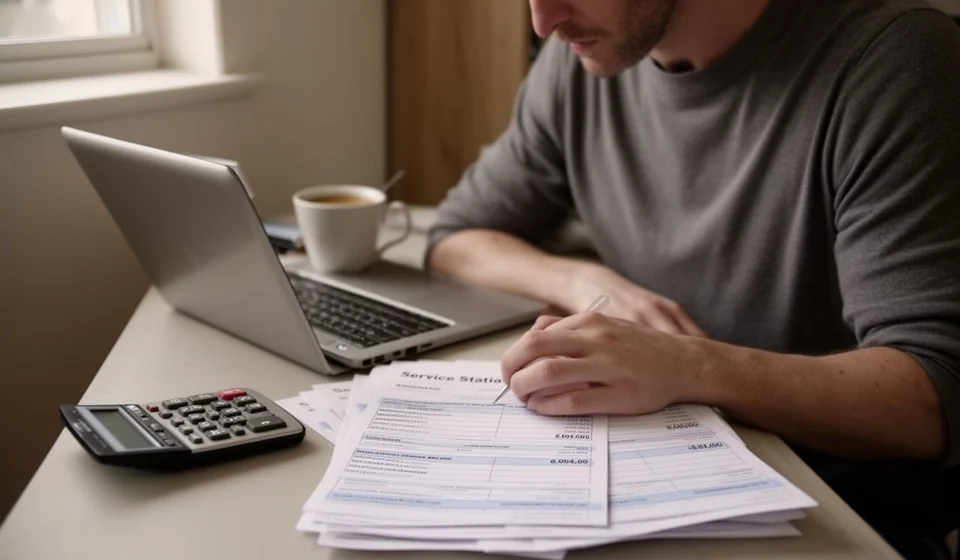
Every business buys on credit: the goods arrive today and the invoice is paid later. When those invoices are handled from memory, the payment date is not decided by the company but by the pressure of whichever supplier calls first, and the payable turns into a surprise: a collector shows up, a late fee appears, or the same document gets paid twice.
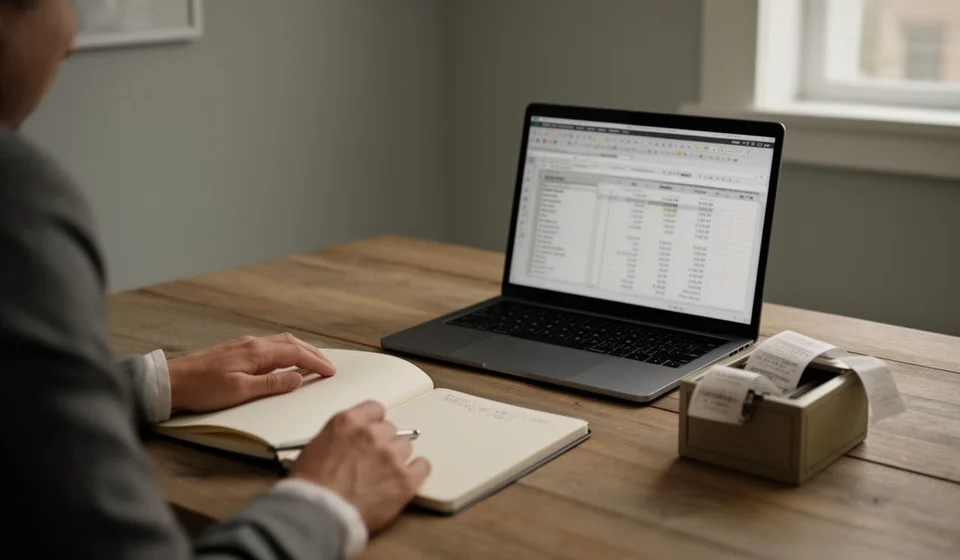
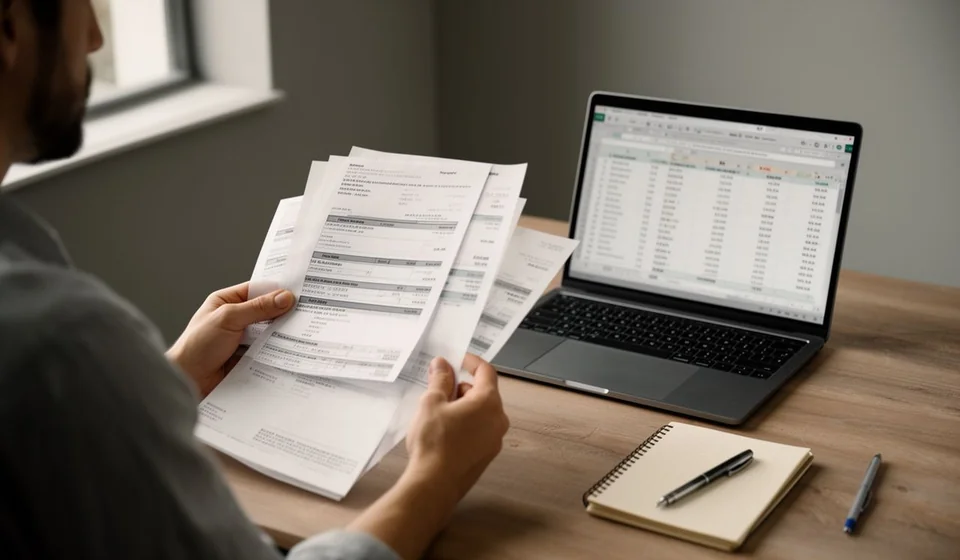
This accounts payable template in Excel is built to put that in order: it holds two hundred invoices with their balance, days to due date and status, all calculated by the sheet, plus a summary with the total payable, the total overdue and the accounts grouped by status.
The axis of this format is simple and should not be lost from sight: it is the money you owe. Using it well does not end on the sheet; it is crossed every week with the cash flow, which is where you see whether there is really money to pay with. That combination is what keeps you from promising a supplier a payment date and then missing it.
⬇ Download the template (Excel .xlsx)What accounts payable are and who this template is for
Accounts payable are all the obligations a business has with third parties for goods or services received and not yet paid: the merchandise invoice, the rent, the utilities, the freight, the accountant's fees, advertising and any other purchase on credit. Each one has three facts that matter: how much is owed, to whom and since when. When those three facts live only in the owner's memory or in a pile of paper, the company loses control of the most delicate part of its money: the part already spent and not yet paid.
This template is for the owner who wants to know how much is owed before committing to a payment, for the administrative assistant who handles supplier invoices and for anyone in charge of preparing the weekly payment list. It does not require accounting knowledge: you fill in the supplier, the document number, the dates, the amount and the payments made, and the calculated columns do the rest.
It is worth keeping it clearly apart from the accounts receivable template. They are two mirror lists and they are often confused. Accounts receivable is the money owed to you and the job there is to call and collect; accounts payable is the money you owe and the job here is to decide who gets paid first without running out of cash. They are different problems, and each one has its own format.
Why they should be reviewed every week
An account payable does not move on its own: it moves when someone decides to pay it. If nobody looks at it, you only hear about it when the supplier stops shipping, when the collector calls, or when the invoice has already added a late fee. Reviewing the list once a week changes the order of events: you see the invoice due on Friday first, decide whether you can pay it, and if you cannot, you give notice before the supplier has to call.
That early notice is worth as much as the payment. A supplier who is told in advance that a payment is running a few days late usually keeps shipping and keeps the credit line; a supplier who is told nothing and discovers the delay through their own system tightens the terms.
What the template includes
The file is an Excel workbook with the accounts payable sheet and an automatic summary. There are no macros: only cells you fill in, cells the sheet calculates and dropdown lists to standardize statuses. This is what you find inside:
| Component | What it is for |
|---|---|
| Room for 200 invoices | A register with two hundred rows to load every supplier account for the period. |
| Automatic Balance column | Calculates how much is left to pay on each invoice: the amount minus the payments recorded. |
| Automatic Days to due date column | Counts the days left until the due date and flags it once the date has passed. |
| Automatic Status column | Classifies each account as paid, overdue, due this week or up to date. |
| Supplier dropdown list | Stops the same name being spelled two different ways and makes the per-supplier summary reliable. |
| Sheet totals | Adds up the amount, the payments and the balance of every invoice recorded. |
| Summary: total payable | How much is owed in total, adding the outstanding balances. |
| Summary: total overdue | The part of the debt whose payment date has already passed. |
| Summary: overdue percentage | How much of the debt is behind, to gauge how urgent the week is. |
| Summary by status | How many accounts sit in each status and for how much, to prioritize payments. |
The columns on the sheet
Each column has a job. The data columns you write by hand and the calculated ones the sheet resolves for you. These are, in order:
| Column | What it is for |
|---|---|
| Supplier | Who is owed; chosen from the list so the name stays consistent. |
| Document | The invoice or bill number, to identify the obligation. |
| Invoice date | The day the supplier issued the document; used to trace the purchase. |
| Due date | The day the payment must be made, according to the agreed term. |
| Amount | The total value of the invoice. |
| Payments | What has been paid so far; updated every time a payment goes out. |
| Balance | Calculated by the sheet: amount minus payments. It is what is still owed. |
| Days to due date | Calculated by the sheet: days left until the due date; negative numbers are days late. |
| Status | Calculated by the sheet: paid, overdue, due this week or up to date. |
| Notes | Short remarks: payment agreements, invoices under review, goods to be returned. |
How the balance, the days and the status are calculated
The logic behind this template is simple and worth understanding, because it is what keeps you from paying twice or letting an invoice slip past its due date. The balance is the amount minus the payments: until a payment is recorded, the balance is the full invoice. Days to due date are counted from the cut-off date to the due date. The status comes from comparing those two things: if the balance reaches zero the account is paid; if the date has passed and a balance remains it is overdue; if it falls due within the next seven days it is due this week; and if there is more time, it is up to date.
Take an example with figures. Invoice 2201, dated 12/09, falls due on 12/10 for an amount of 2,300,000, and 1,000,000 has been paid so far. The sheet subtracts the payments and shows a balance of 1,300,000. With a cut-off of 08/10 there are still four days to the due date, so the account lands in the group due this week. If a second invoice is already overdue for 600,000, the summary for the period looks like this:
| Item | Value in the example |
|---|---|
| Invoice 2201, cut-off 08/10 | Due on 12/10 |
| Invoice amount | 2,300,000 |
| Payments recorded | 1,000,000 |
| Automatic balance | 1,300,000 |
| Days to due date | Four days |
| Automatic status | Due this week |
| Other overdue invoice pending | 600,000 |
| Total payable | 1,900,000 |
| Total overdue | 600,000 |
| Due within the next seven days | 1,300,000 |
Read the whole picture: the business owes 1,900,000, of which 600,000 is already behind and 1,300,000 falls due inside the week. On the sheet none of that is worked out by hand; you type the amount, record the payment and the balance, the days and the status appear on their own. What is your decision is the order of payment, and that is where the cash flow check comes in.
How to use it step by step
The first time takes only a few minutes to bring the list up to date. This is the order to follow:
- Save a copy of the file with the month in the name and record the supplier, the document, the invoice date, the due date and the amount on each row.
- Enter the payments already made in the Payments column; if the invoice is unpaid leave it at zero and the balance will show the full amount.
- Check the calculated columns: the balance, the days to due date and the status work on their own, so do not type them by hand.
- Look at the summary at the top and start with the overdue accounts and the ones due this week.
- Cross that list with the cash flow for the same period to confirm how much cash will be available before you commit to payment dates.
- When an invoice is paid, record the payment in the Payments column and note the day; the status turns to paid as soon as the balance reaches zero.
- Repeat the exercise on the same day every week, so the payment list stops being improvised.
Tips and common mistakes
Most problems with accounts payable come not from the amount but from how they are recorded. These are the most frequent slip-ups:
- Paying from memory and under pressure: the supplier who calls most often is not necessarily the most urgent. The due date and the status should set the order, not the insistence.
- Promising a payment date without checking the cash flow: it is the most common cause of missed payments. Before saying the money goes out on Friday, confirm that there will be cash that day.
- Not recording partial payments: if the payment is not entered, the balance on the sheet stays inflated and the summary reports a false figure.
- Writing the supplier name in several ways: the same vendor under three names hides how much is really owed to them as a whole.
- Leaving invoices under review with no note: an invoice with a price error that nobody flagged turns up overdue and with a late fee.
- Confusing this control with accounts receivable: they are two different lists and mixing them hides the real problem in each.
When to move to software
For a business with a handful of suppliers, this template is all that is needed: it is free, it makes sense in an afternoon and it brings order to what used to live in the owner's head. Its limit shows up with volume. When invoices arrive every day, when several people record purchases and payments, when you need to see a supplier's balance across months, or when inventory and accounts payable must talk to each other, the sheet starts to fall short and the copying and pasting of data opens the door to mistakes.
At that point a control system helps, and we say so only out of honesty with businesses that are growing: Kardex Tauro is inventory and movement control software, and it does not replace this file or the decision of whom to pay. What it does, when the business truly needs it, is record the arrival of the goods and the purchase in the same place, so the supplier account payable stays linked to the inventory movement instead of sitting in two separate lists.
Download the accounts payable template in Excel for free, fill it in with the month's invoices and check it every week before you decide on payments. Remember that it is an internal control tool: it helps you see and order what you owe, not to commit to payments that the cash cannot yet cover.
⬇ Download the template (Excel .xlsx)